
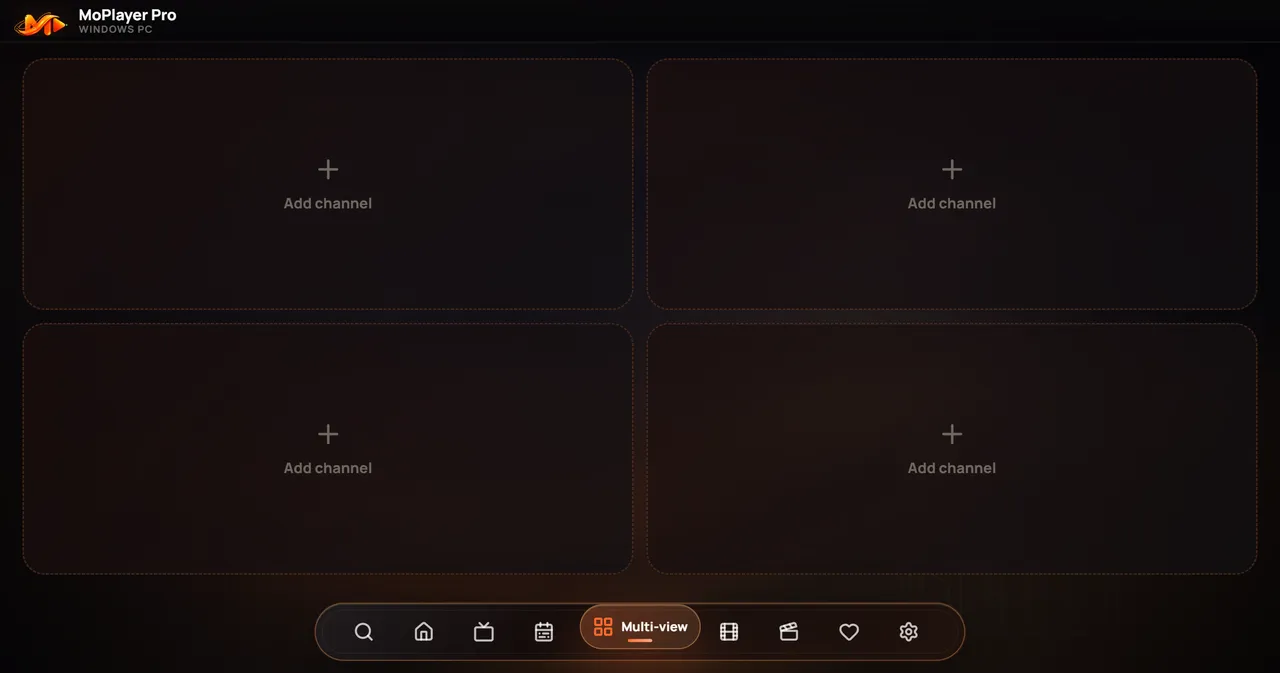
Multi-view
Up to four channels side by side.
Add channels to a grid one tile at a time and watch them together — handy for following several live events.
MoPlayer PC · Windows · v1.0.4
A Windows app for your own Xtream or M3U source: Live TV, movies and series with keyboard and mouse, multi-view, and the same QR activation as the TV apps.
Activate with QR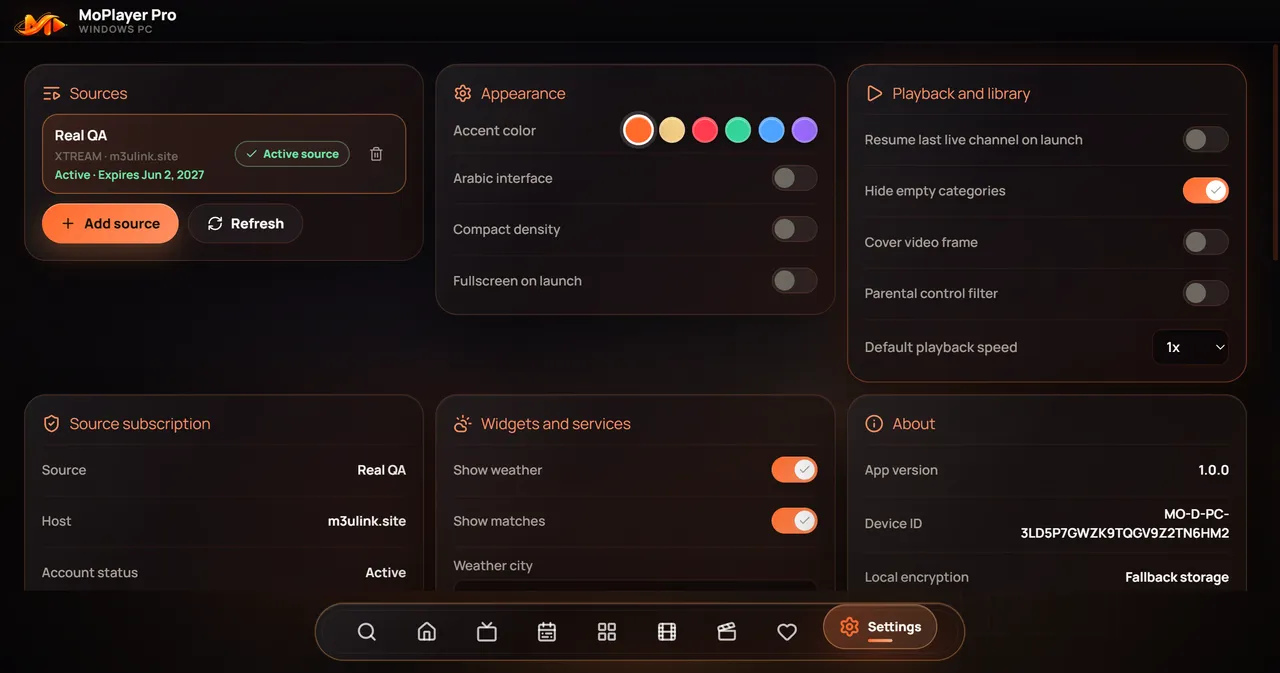
Multi-view
Open MoPlayer PC, scan the QR code with your phone and add your source at moalfarras.de/activate.
MoPlayer Classic and MoPlayer Pro run on Android TV, Google TV and Fire TV.
See all MoPlayer appsSettings
Release
Version
1.0.4
Released
18 August 2026
Requires
Windows 10 / Windows 11 x64
Installer
110.2 MB
Portable
110.0 MB
Installer SHA-256
95b7c32319b94653…2539516aa0ac
Served from GitHub Releases
The installer is not code-signed yet, so Windows SmartScreen may show “Windows protected your PC”. Choose More info › Run anyway only if the file came from this page; you can compare its SHA-256 above.
MoPlayer PC belongs to the MoPlayer Pro family and uses the same activation service.
MoPlayer is a media player only. It does not sell or include channels, playlists, subscriptions or copyrighted media. You add a source you own or are legally allowed to use.